Roost V3 vs Nexstand K2: Which Laptop Stand Should You Buy?
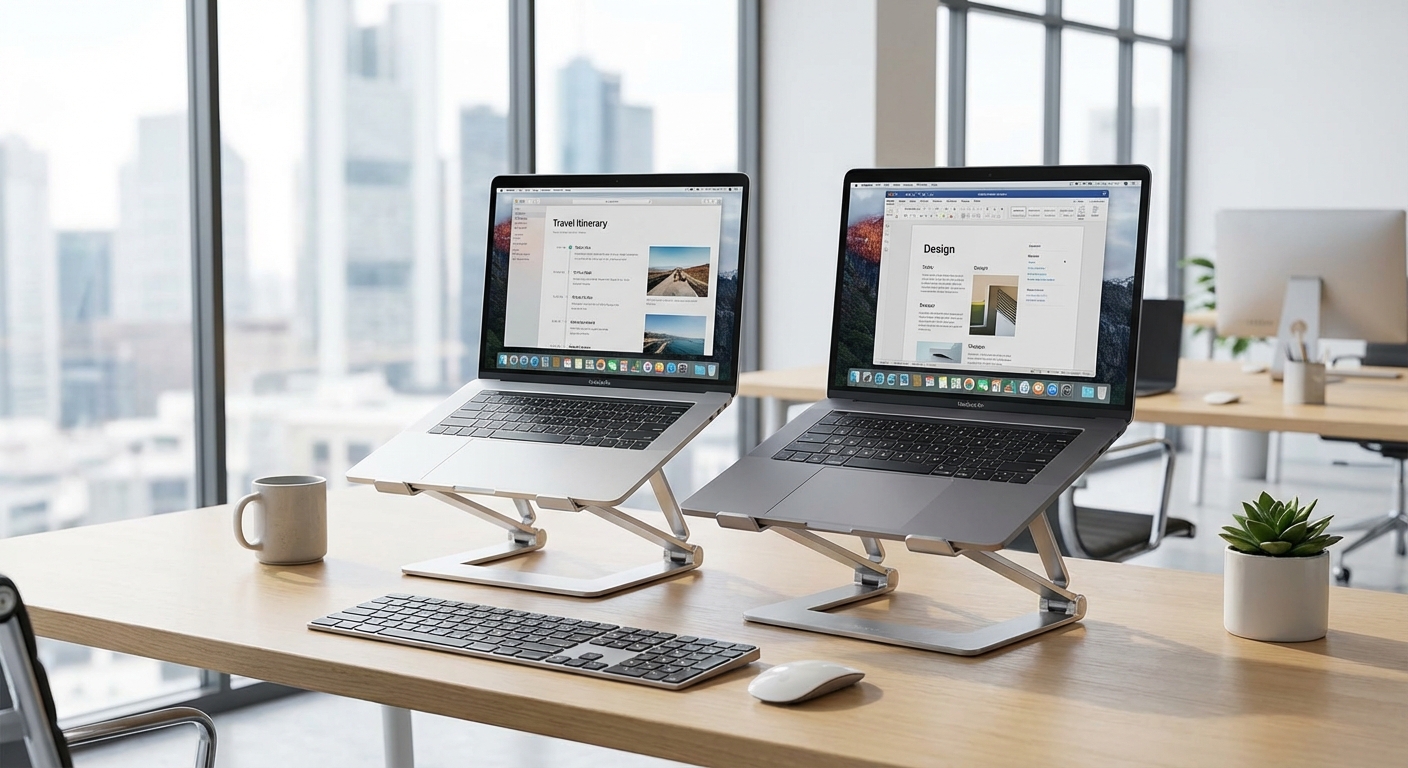

The Roost vs Nexstand debate dominates digital nomad forums. Both stands solve the same problem—elevating your laptop screen to eye level—but at dramatically different price points.
Is the Roost worth 3x the price? Or is the Nexstand the smart choice? After using both extensively, here's the honest comparison.
Quick Navigation:
- Head-to-Head Comparison
- Portability
- Durability & Build Quality
- Height Adjustability
- Stability
- Price & Value
- The Verdict
Head-to-Head Comparison
| Spec | Roost V3 | Nexstand K2 | Winner |
|---|---|---|---|
| Weight | 6 oz (170g) | 8.2 oz (232g) | Roost |
| Folded Size | 1.3 x 1.3 x 13" | 1.5 x 1.5 x 14" | Roost |
| Height Range | 6-11" | 5.5-12.6" | Nexstand |
| Height Settings | 7 | 8 | Nexstand |
| Weight Capacity | 50 lbs | 20 lbs | Roost |
| Material | Carbon fiber + TPU | Reinforced nylon | Roost |
| Carrying Case | Included | Included | Tie |
| Price | ~$90 | ~$30 | Nexstand |
| Warranty | Lifetime | 1 year | Roost |
Portability
The Roost wins, but barely.
At 6 ounces vs 8.2 ounces, the Roost is 26% lighter. In absolute terms, that's 2.2 ounces—less than a pack of cards. You'll feel this difference in your hand but likely not in your bag.
The Roost's folded dimensions (1.3 x 1.3 x 13") edge out the Nexstand (1.5 x 1.5 x 14"). Both fit alongside a laptop in any bag. The inch of extra length on the Nexstand rarely matters.
Real-world impact: Unless you're counting every gram, both are genuinely portable. The Roost's advantage is measurable but marginal.
Durability & Build Quality
The Roost wins decisively.
The Roost uses carbon fiber legs and TPU rubberized grips. It feels premium, resists flexing, and shows minimal wear after years of use. The 50lb weight capacity (far exceeding any laptop) indicates confidence in the materials.
The Nexstand uses fiber-glass reinforced nylon. It functions well but feels noticeably less substantial. Some flex is perceptible under heavier laptops. The 20lb weight capacity is adequate but less reassuring.
Longevity expectations:
- Roost V3: 5-10+ years (backed by lifetime warranty)
- Nexstand K2: 2-5 years with regular use
Real-world impact: If you use a laptop stand daily for years, the Roost's durability matters. For occasional use or testing the category, the Nexstand holds up fine.
Height Adjustability
The Nexstand wins.
Surprisingly, the budget option offers more adjustment:
- Nexstand: 5.5" to 12.6" across 8 settings
- Roost: 6" to 11" across 7 settings
The Nexstand's lower minimum (5.5" vs 6") helps on lower surfaces. Its higher maximum (12.6" vs 11") provides options for standing or tall tables. More settings means finer-grained adjustment.
Real-world impact: Both cover the range most nomads need. The Nexstand's extra adjustability is a genuine advantage for users at the extremes.
Stability
Tie, with nuances.
Both stands hold laptops securely during normal typing. Neither wobbles on flat surfaces. Both have rubber feet and grips to prevent slipping.
Under aggressive typing or heavier laptops, the Roost feels more solid. The 50lb capacity vs 20lb capacity reflects this—there's more structural integrity.
On unstable surfaces (uneven café tables, textured desks), both can shift slightly. Neither is perfect for challenging surfaces.
Real-world impact: For MacBooks and ultrabooks, both are stable enough. For 15"+ laptops or heavy typing, the Roost's rigidity is noticeable.
Price & Value
The Nexstand wins on value; the Roost wins on longevity math.
The price gap is dramatic:
- Nexstand K2: ~$30
- Roost V3: ~$90
The Nexstand costs one-third the Roost's price while delivering functional performance.
But consider total cost of ownership:
If a Roost lasts 10 years and a Nexstand lasts 3 years, you'd buy three Nexstands ($90) to match one Roost's lifespan ($90). The economics equalize.
If you're unsure about laptop stands or trying the category, the Nexstand's low cost reduces risk. If you're committed to long-term ergonomic setup, the Roost's durability justifies the premium.
Who Should Buy the Roost V3
The Roost makes sense if you:
- Use a laptop stand daily and want buy-it-for-life quality
- Prioritize maximum portability (lightest, smallest)
- Have a heavier laptop (15"+, gaming laptops)
- Value premium feel and materials
- Can afford the upfront investment
The Roost V3 is best for: Committed digital nomads who use their stand every day and want the category's best-built option.
Who Should Buy the Nexstand K2
The Nexstand makes sense if you:
- Want to test whether laptop stands fit your workflow
- Prioritize budget-friendly gear
- Need more height adjustment range
- Use a lightweight laptop (MacBook Air, XPS 13)
- Don't mind replacing gear every few years
The Nexstand K2 is best for: Budget-conscious nomads, those testing the category, or anyone who values function over premium feel.
The Verdict
For most digital nomads: Buy the Nexstand K2 first.
Here's why: the $60 savings means low risk for testing whether a laptop stand actually improves your work life. If you use it daily and love it, you can upgrade to the Roost later. If you rarely use it, you've only lost $30.
When to buy the Roost V3 directly:
- You've already used laptop stands and know you want the best
- You're a professional who works from the stand 6+ hours daily
- You travel extremely light and every ounce matters
- You simply prefer premium quality in daily-use tools
The honest truth: Both stands work well. Both solve the ergonomic problem. The Nexstand is 90% of the Roost at 33% of the price. The Roost is measurably better in ways that matter only to specific users.
Start with the Nexstand. Upgrade if you find yourself reaching for it every single day.
Related guides:
- Best Portable Laptop Stands (Full Comparison)
- The Ultimate Digital Nomad Packing List
- Best Travel Keyboards and Mice
Roost V3 - The Premium Option

Roost Laptop Stand V3
Roost V3 The Premium Option
The Roost V3 has been the benchmark for portable laptop stands since the category emerged.
The Roost V3 has been the benchmark for portable laptop stands since the category emerged. Carbon fiber and TPU construction deliver exceptional durability with a 50lb weight capacity. At just 6 ounces and 1.3 x 1.3 x 13 inches folded, it's remarkably compact. Seven height settings from 6-11 inches cover most situations. The included carrying case is quality. This is the buy-it-for-life option that justifies its premium through longevity and daily reliability.
What We Like
❝Three years of daily use across 20+ countries. Still works perfectly. The quality is genuinely exceptional.❞
Nexstand K2 - The Value Champion

Nexstand K2 Laptop Stand
Nexstand K2 The Value Champion
The Nexstand K2 emerged as an affordable alternative to the Roost and has proven surprisingly capable.
The Nexstand K2 emerged as an affordable alternative to the Roost and has proven surprisingly capable. Fiber-glass reinforced nylon construction handles daily use well despite feeling less premium. Eight height settings from 5.5-12.6 inches actually exceed the Roost's range. At under $30, it's less than half the Roost's price. Slightly heavier at 8.2 ounces and larger at 1.5 x 1.5 x 14 inches, but these differences barely matter in practice.
What We Like
❝Bought this expecting a cheap knockoff. Two years later, it's still going strong. Can't believe the value.❞
Review of What We Liked
Roost V3 The Premium Option
The Roost V3 has been the benchmark for portable laptop stands since the category emerged.
Nexstand K2 The Value Champion
The Nexstand K2 emerged as an affordable alternative to the Roost and has proven surprisingly capable.
About the Author